05 · NASTF
NASTF D1 paperwork.
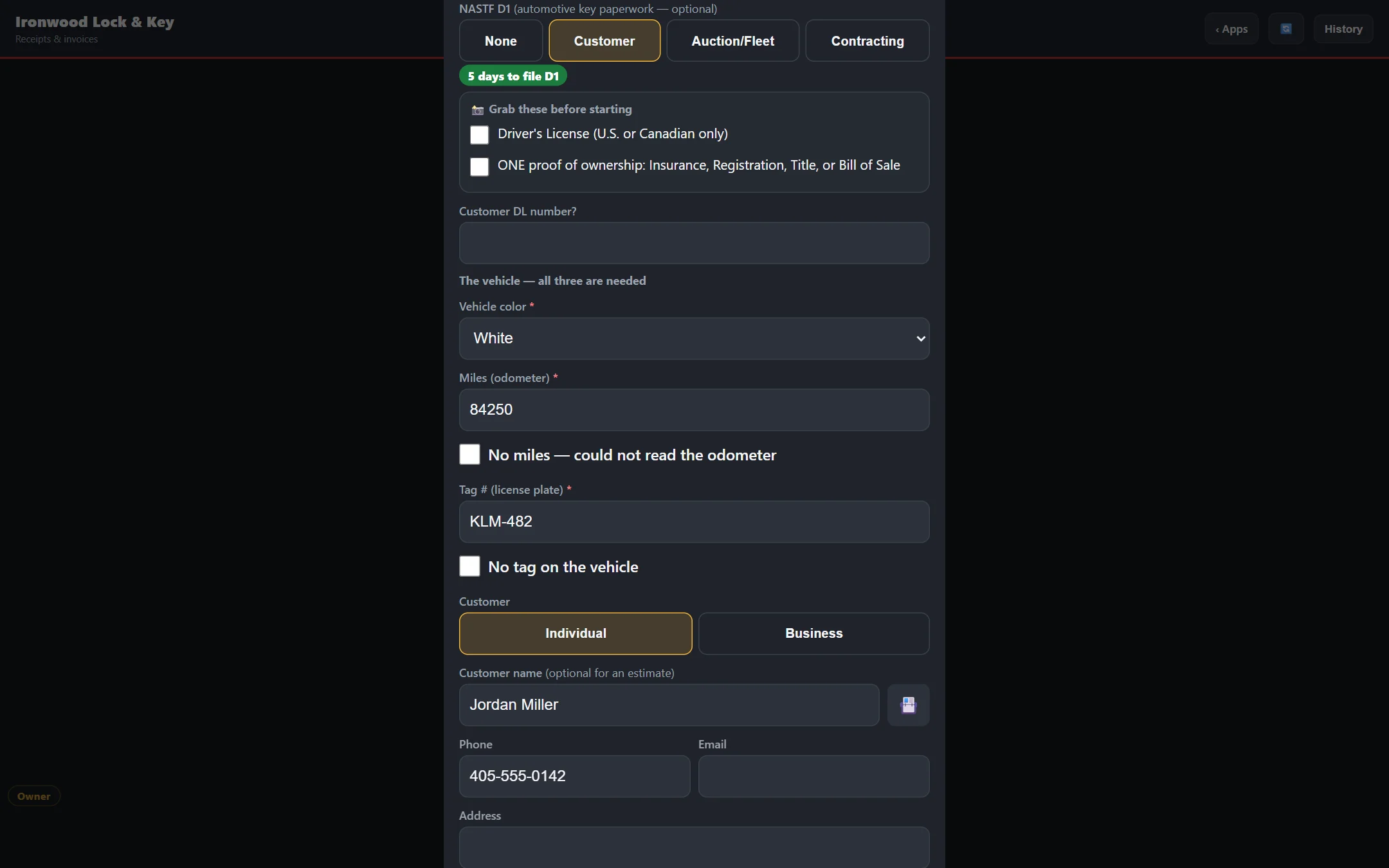
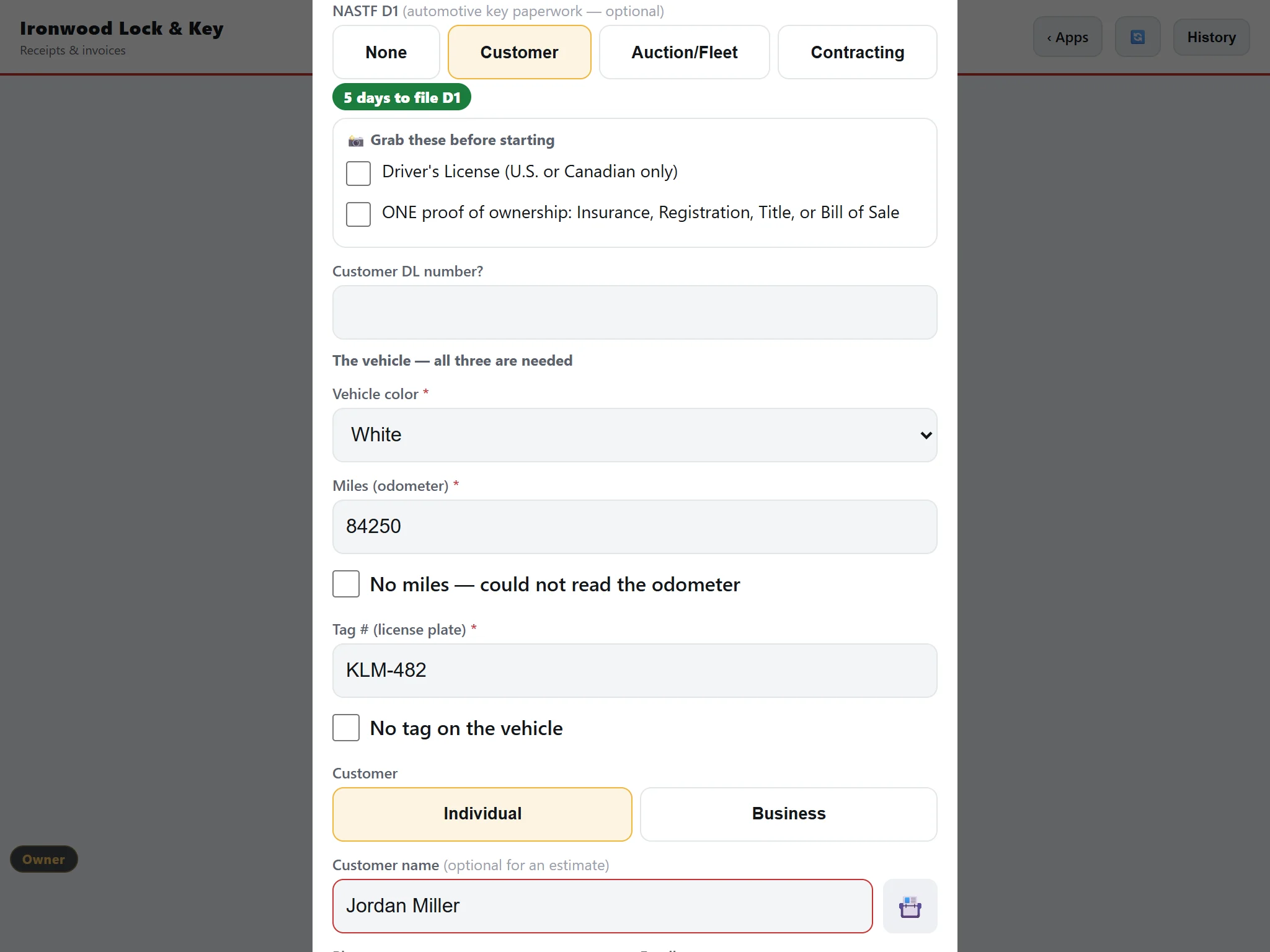
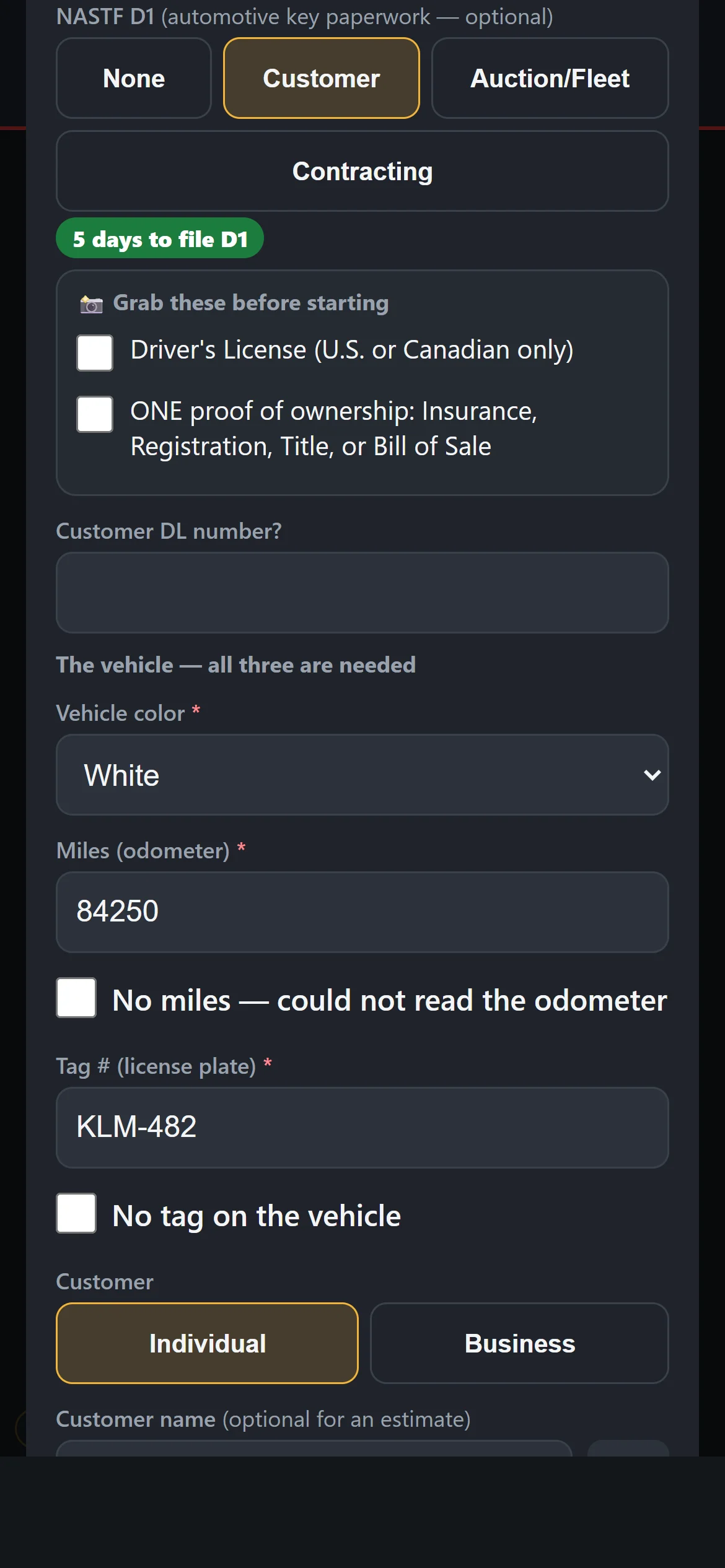
The D1 form asks for what it needs and will not close without it. Photos and the receipt end up in one folder per customer and vehicle.
What you can do.
- Pick the D1 type.Customer D1, Auction / Fleet or Contracting D1, chosen on the sale.
- It will not close half done.The form needs vehicle color, miles and tag number. "No tag" and "No miles" count.
- Photos for each vehicle.The driver’s license and proof of ownership, taken with the phone camera or uploaded from the PC.
- Scan a QR code.On the PC, scan the QR code to take the photos on your phone instead.
- A filing countdown.See how long you have left to file.
- Save to my NASTF folder.The receipt PDF and photos go into one folder per customer and vehicle (last name plus the last 6 of the VIN), ready to drag into NASTF.
Bittings does not file with NASTF and is not connected to or endorsed by NASTF.
Always getting better.
Bittings is built and used every day in a working key shop. Updates arrive on their own, with nothing to install. Every plan gets new features as they are released.